Press kit

µBrowser 5.0

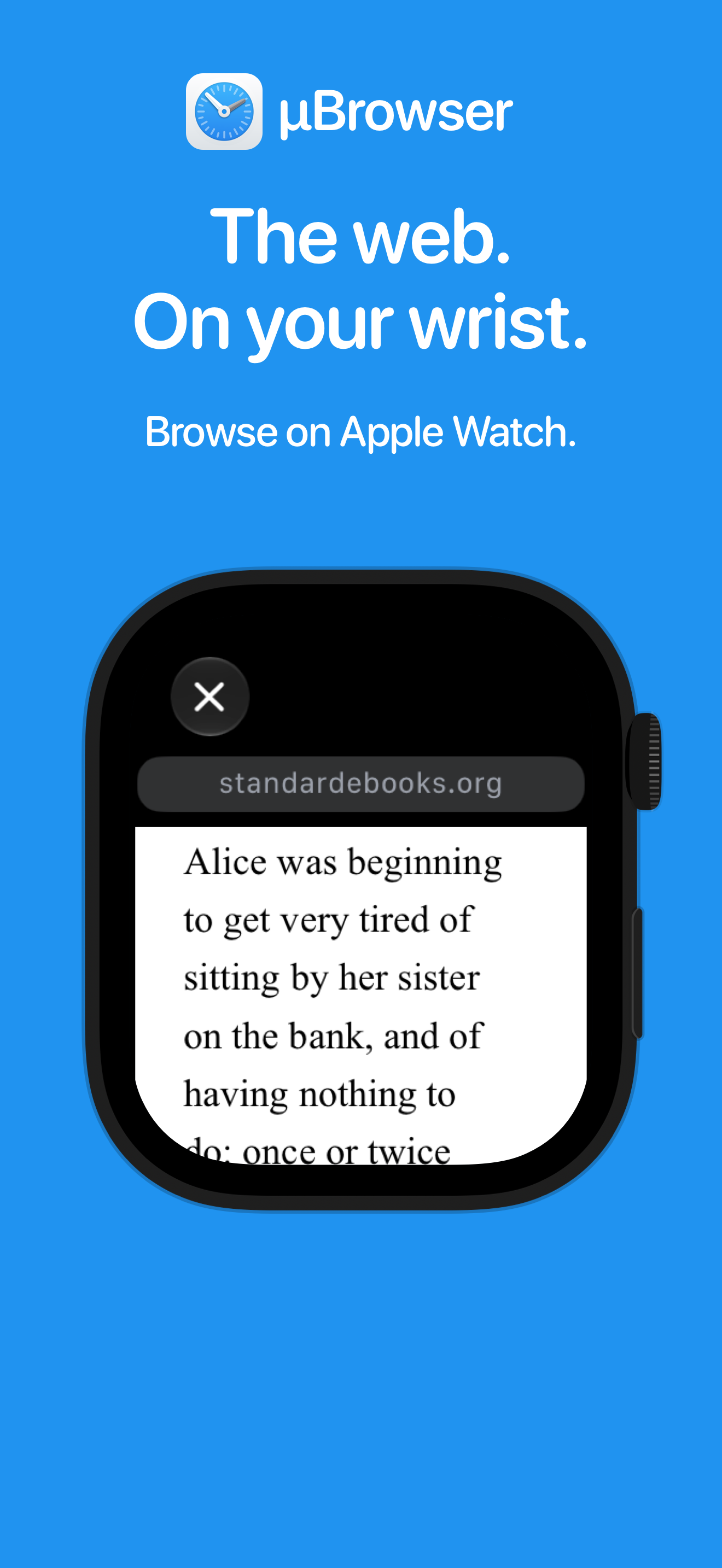
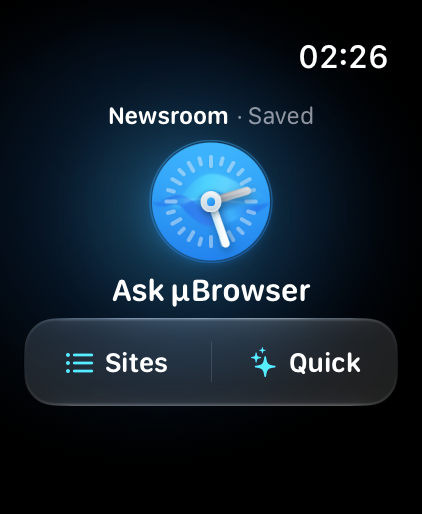
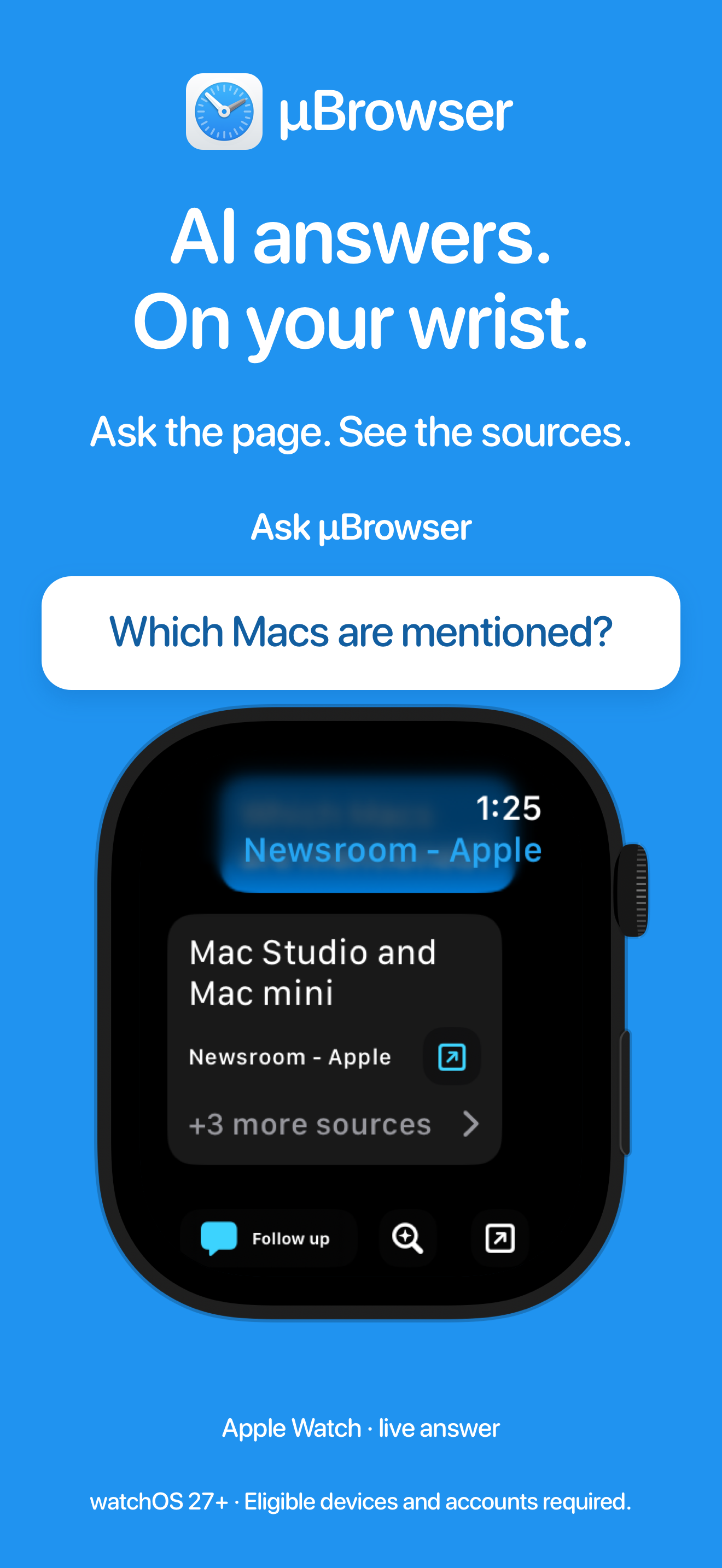
µBrowser 5.0 brings the web to Apple Watch. Open and search websites, keep favorite pages close, and manage bookmarks from the companion app on iPhone. With Ask µBrowser on supported devices, you can ask questions about publicly readable webpages and receive concise answers with visible sources—right on your wrist.

Price $2.99 USD

App Store description

µBrowser is the micro browser for your Apple Watch.

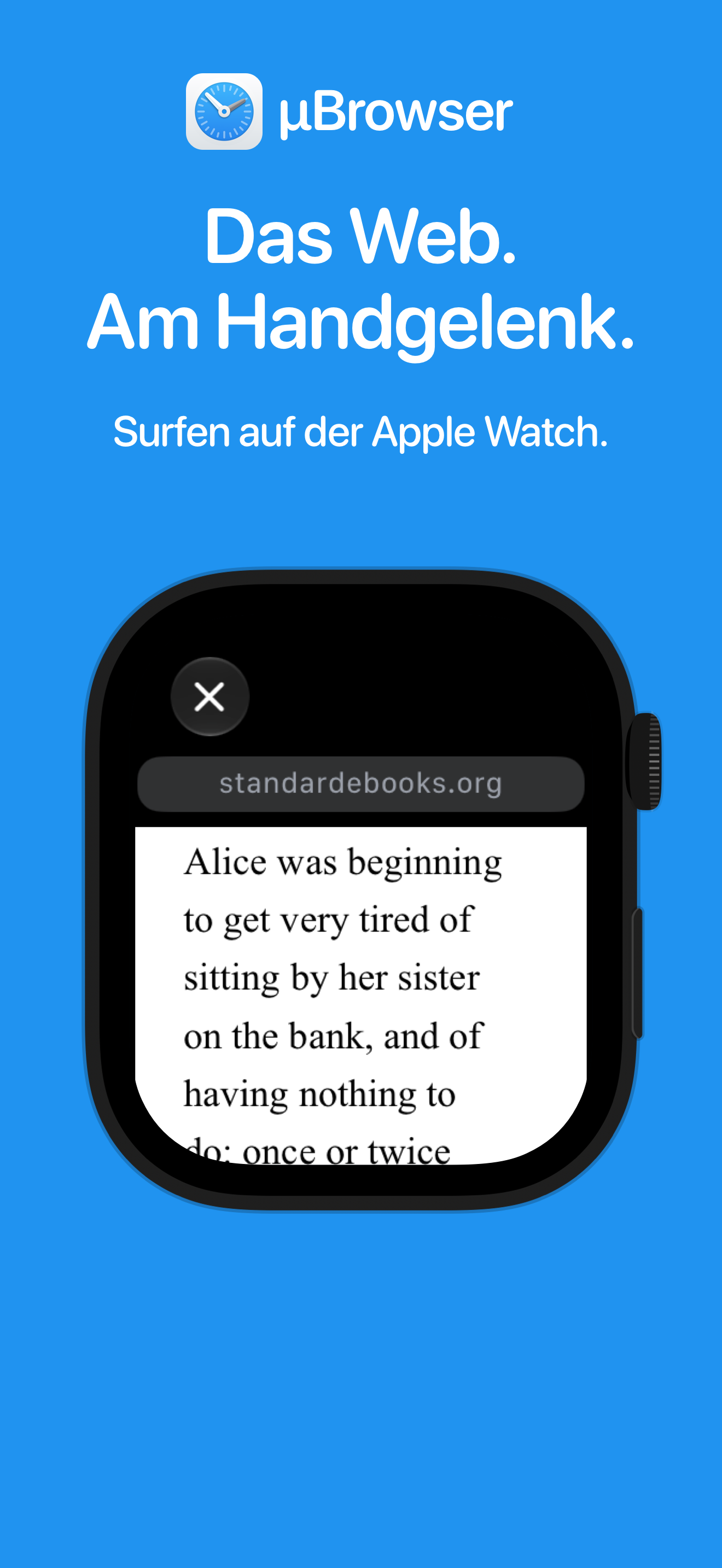
Quickly look something up, open a favorite website or read a webpage when you don’t have another device around. Built for short visits on a small screen, µBrowser puts the web on your wrist.

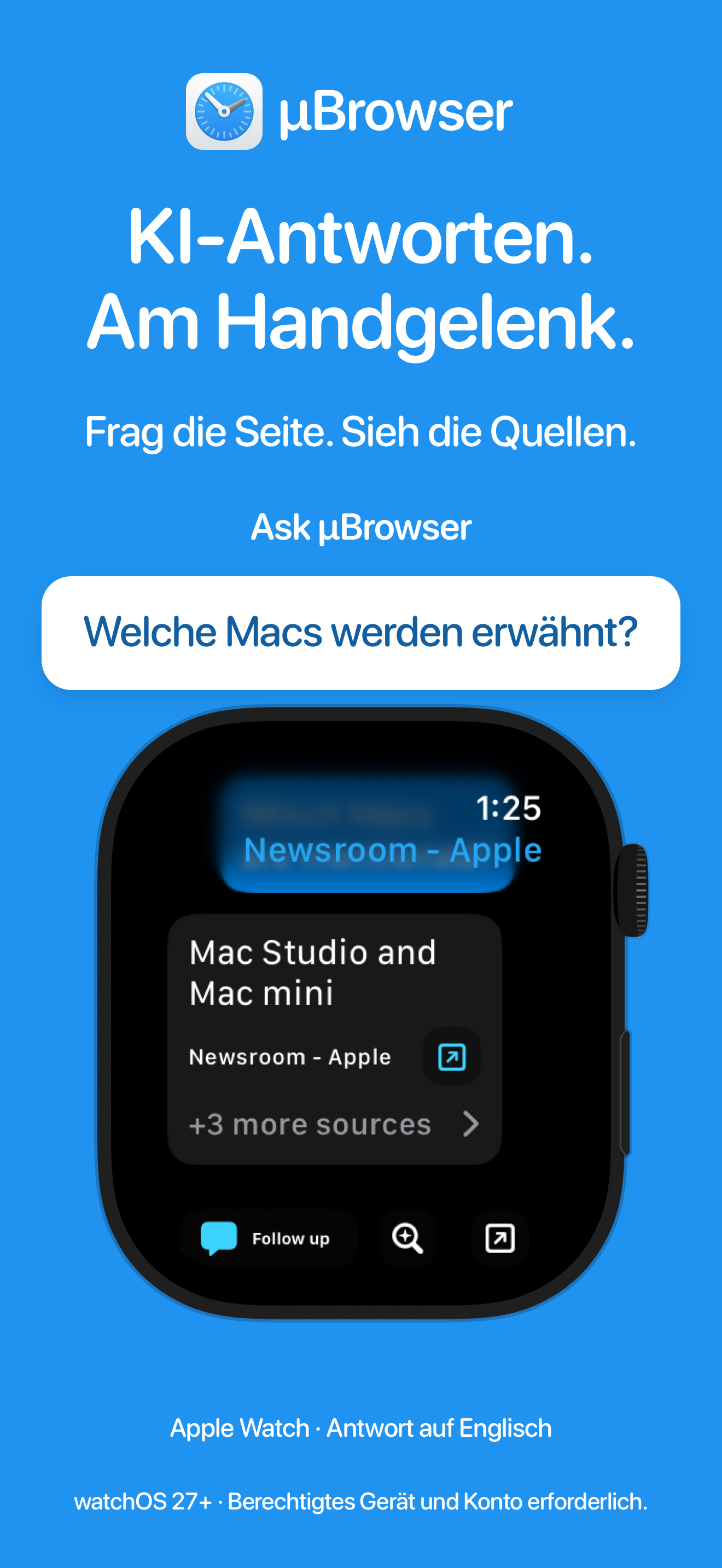
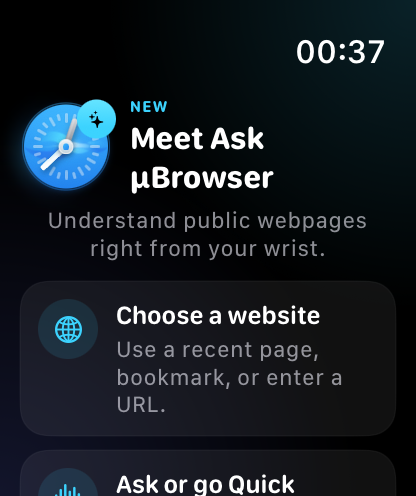
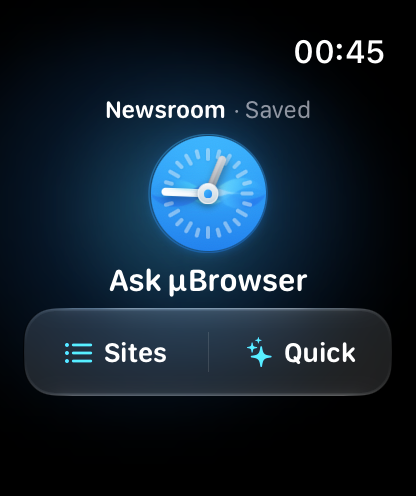
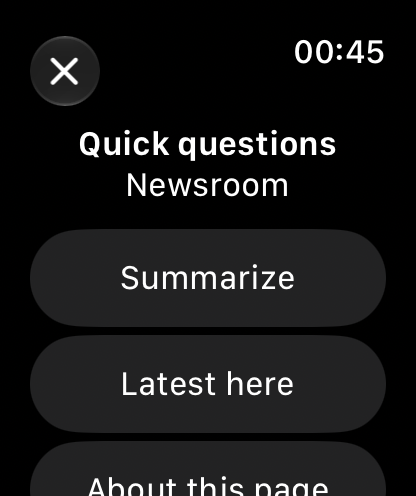
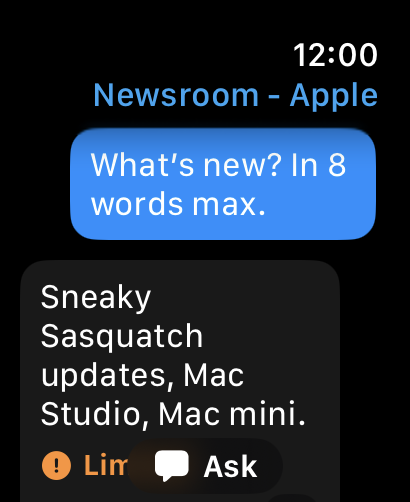
NEW: ASK µBROWSER

Ask questions about webpages, get a quick summary and explore further with follow-up questions. Answers include sources so you can open the original page and keep reading.

FEATURES

  • Open web addresses directly on your Apple Watch.
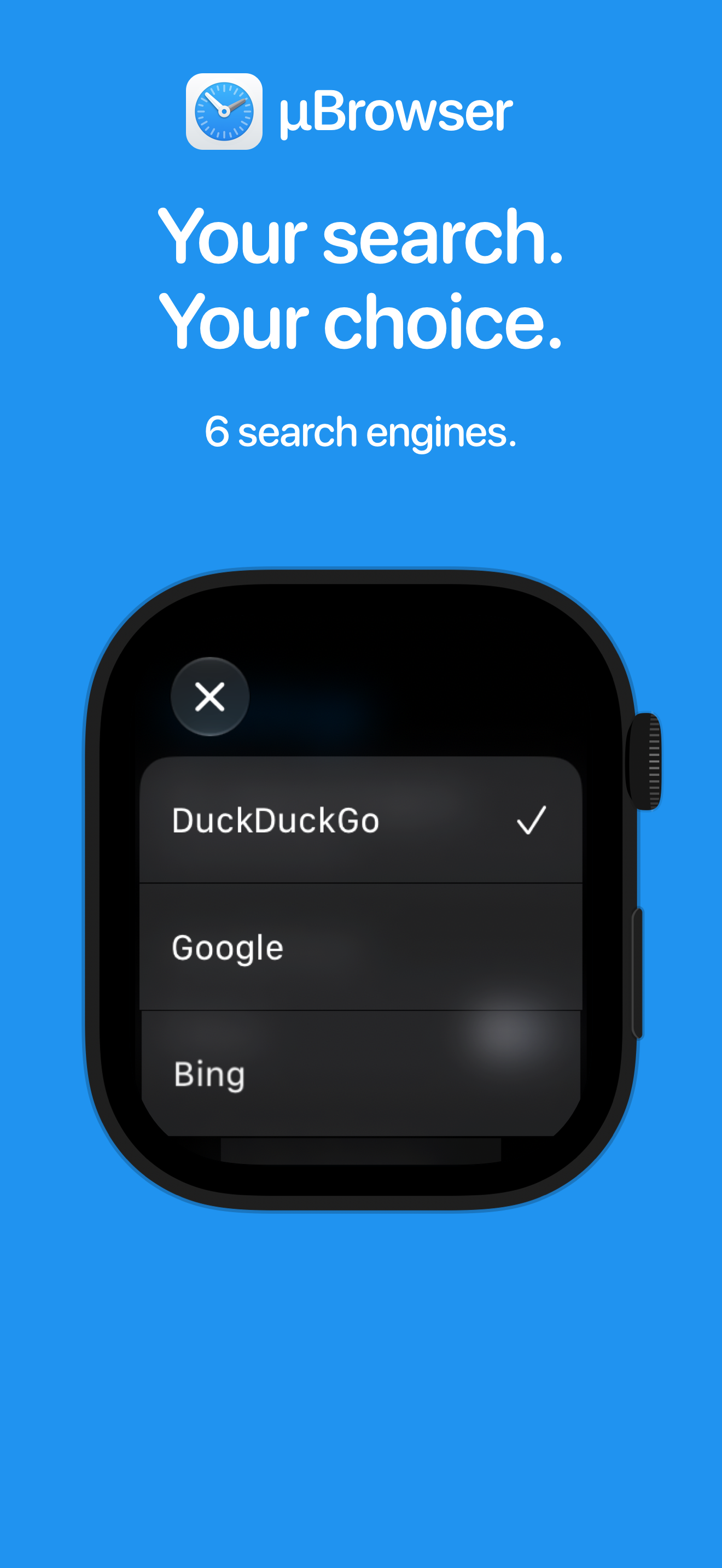
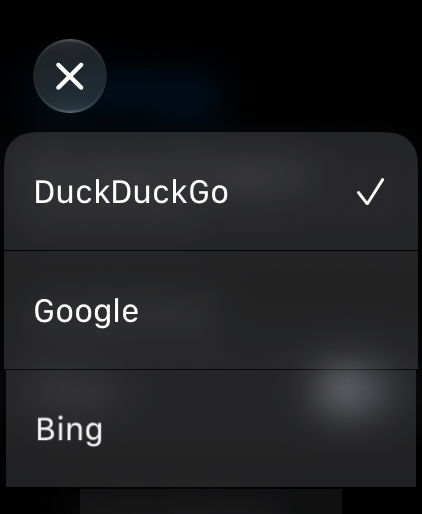
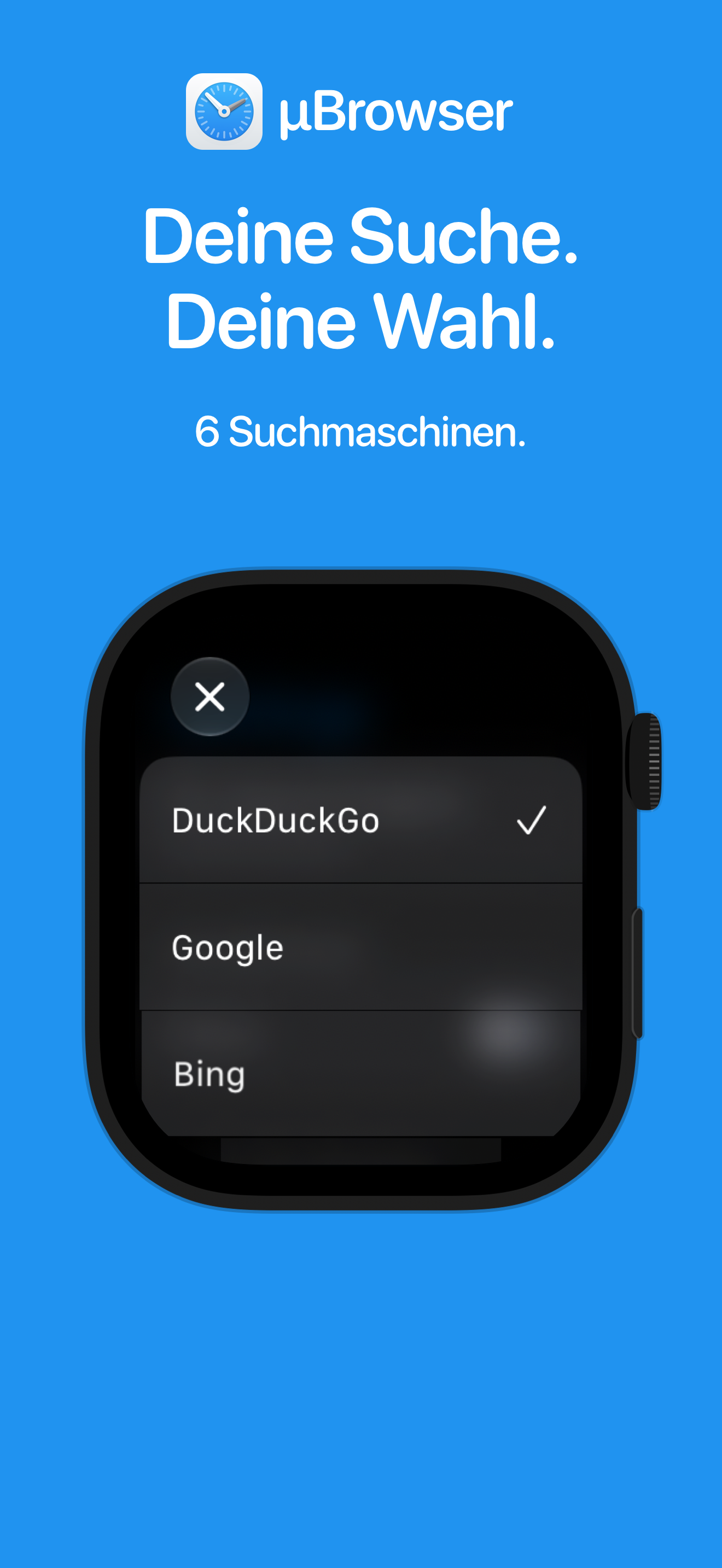
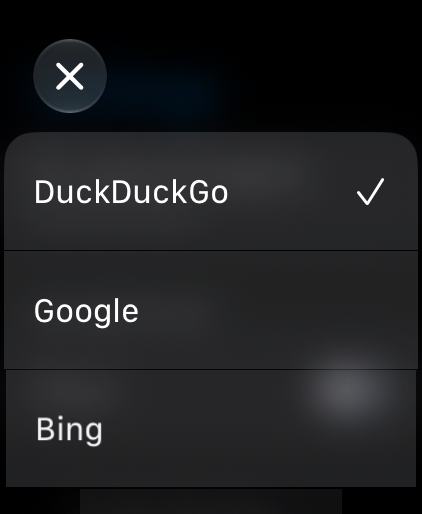
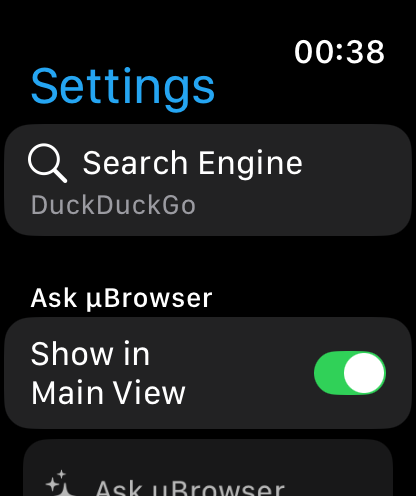
  • Search with DuckDuckGo, Google, Bing, Brave Search, Startpage or Ecosia.
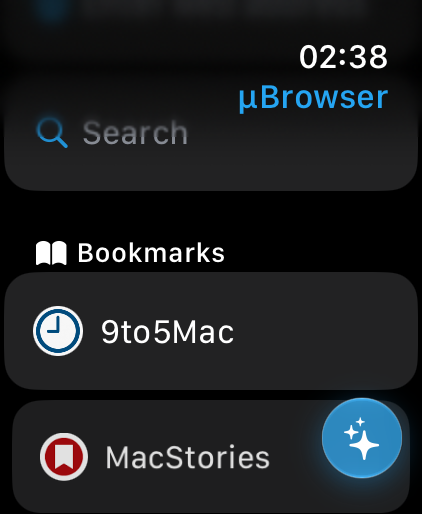
  • Revisit recent pages and save your favorites as bookmarks.
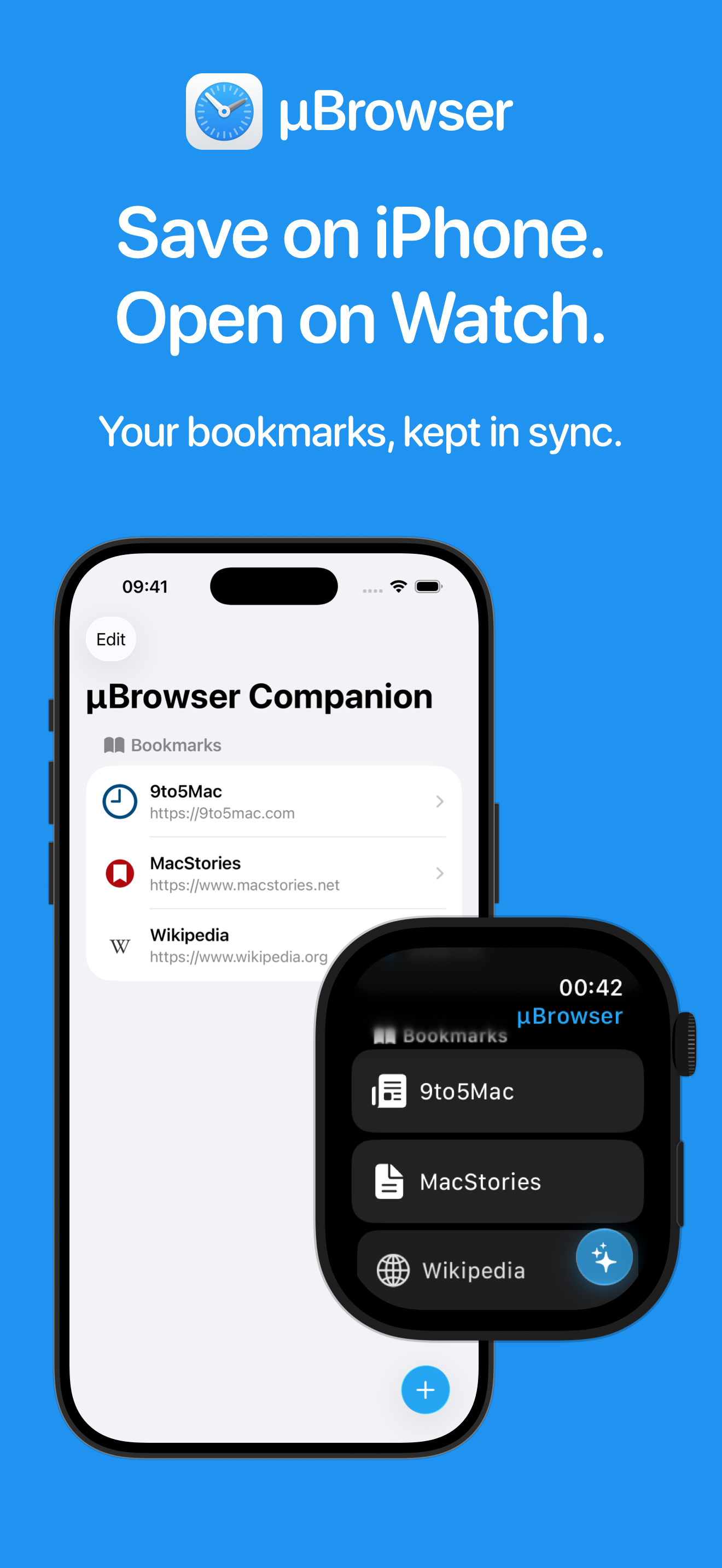
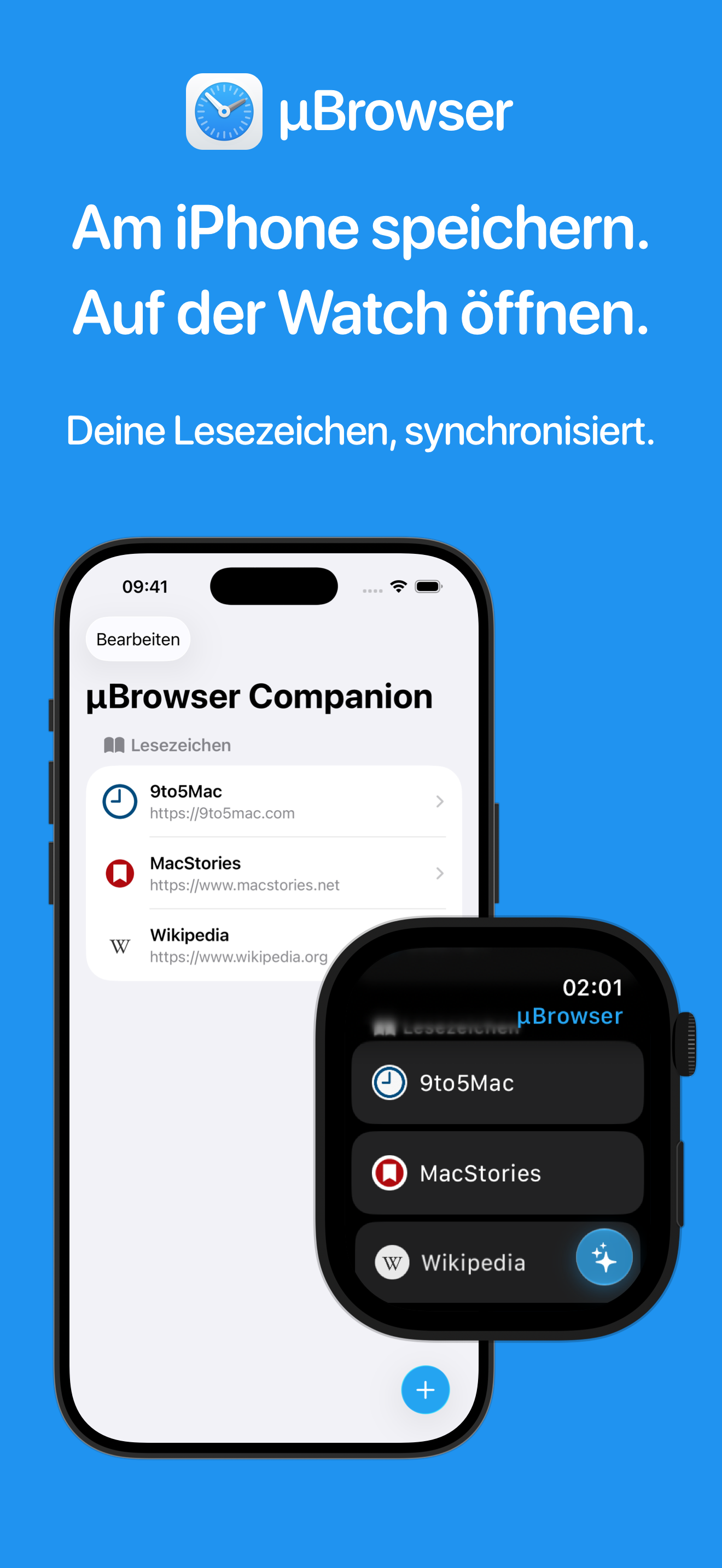
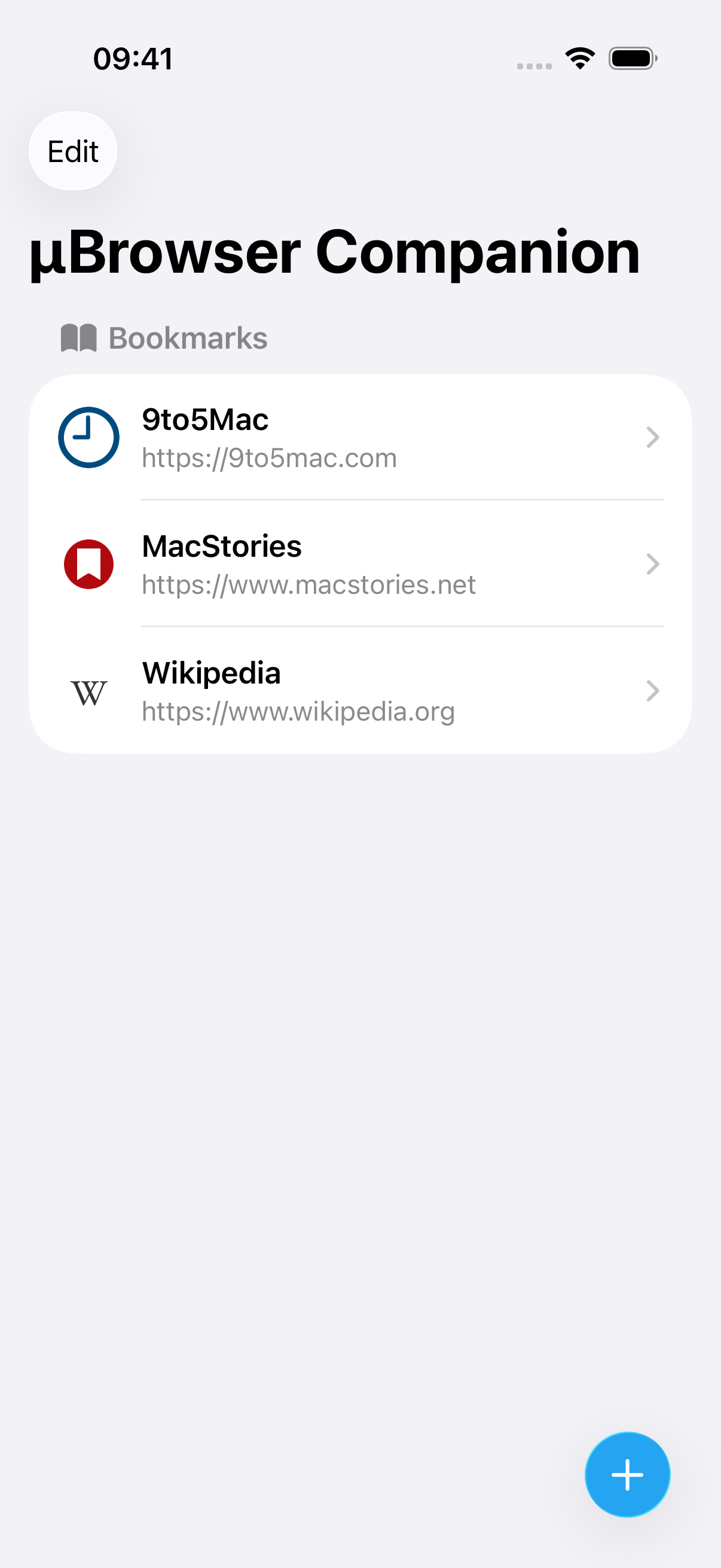
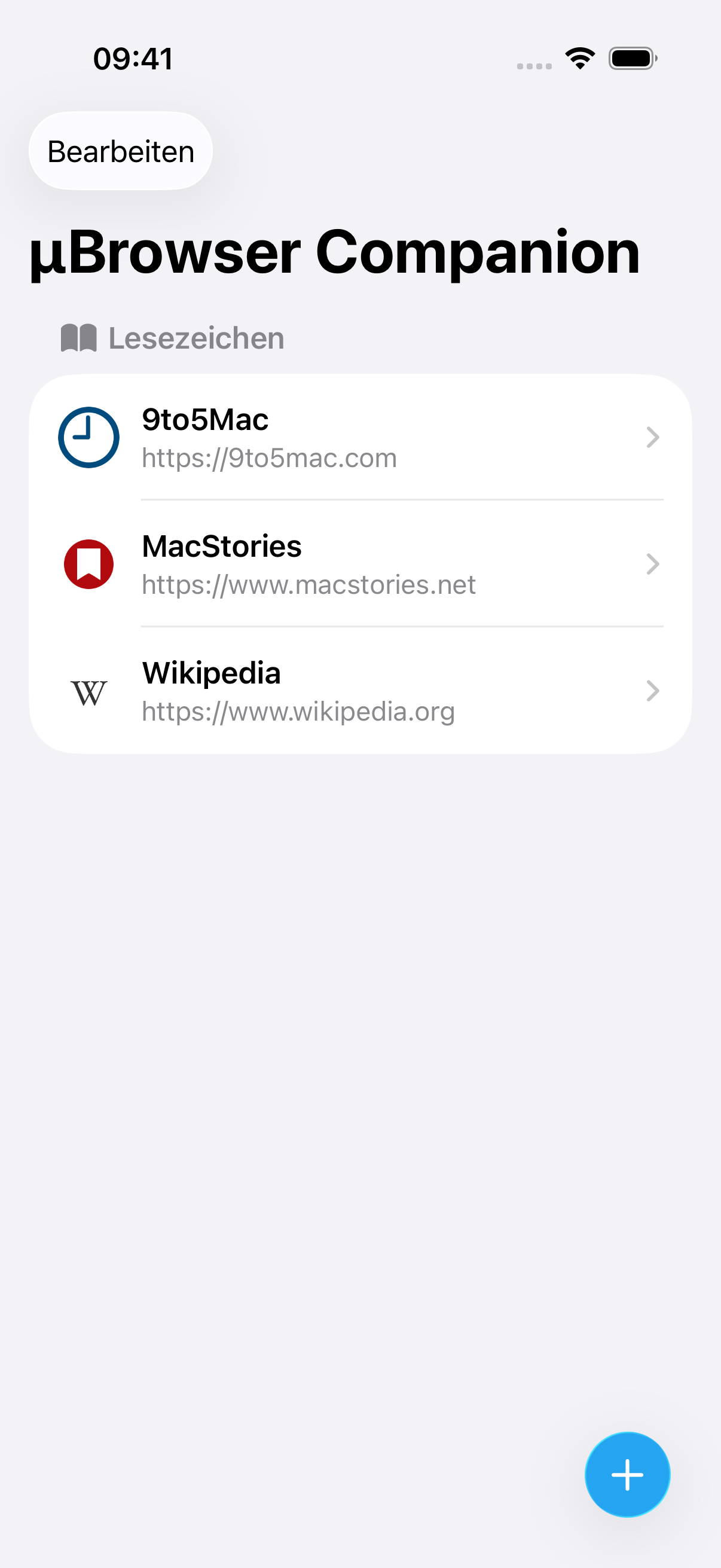
  • Manage bookmarks with the iPhone companion app.
  • Quickly access the browser through watch face complications.
  • Choose whether to save recently visited pages, how many to keep and whether to include searches.
  • Choose whether to keep cookies between browsing sessions.

PLEASE NOTE

Browsing on your wrist has its limits. Large or complex webpages may not work as expected. JavaScript support is limited, and signing in to websites may not work.

Ask µBrowser works with publicly readable content. It may be unable to read pages behind sign-ins or paywalls, or content that requires JavaScript.

Ask µBrowser requires watchOS 27 or later and available Apple Intelligence and Private Cloud Compute services. Answers are generated using Apple’s Private Cloud Compute. Availability depends on your device, Apple Account, language and region. Daily usage limits may apply.

An internet connection is required.
Requirements & technical details

Browser
Apple Watch with watchOS 9 or later.
Ask µBrowser
watchOS 27 or later, with available Apple Intelligence and Private Cloud Compute services. Availability depends on your device, Apple Account, language and region. Daily usage limits may apply.
Connectivity
An internet connection is required.
iPhone companion
Manage bookmarks on iPhone. The browser runs on Apple Watch and can be used independently of the companion app.
Languages
English, French, German, Italian, Japanese, Korean, Portuguese, Spanish, Turkish and Vietnamese.

App icons

Select an icon to download the full-resolution PNG with a transparent background.

App Store screenshots — English

Select any screenshot to download the original PNG.

iPhone1320 × 2868 px

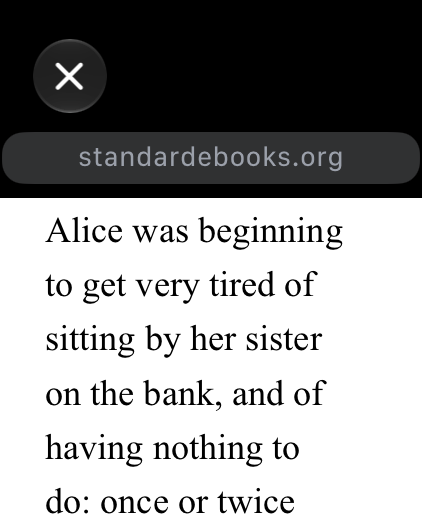
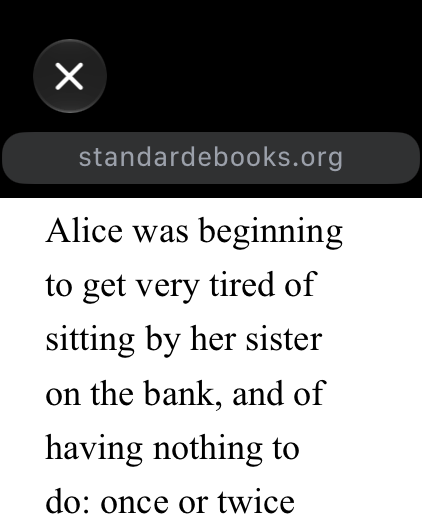
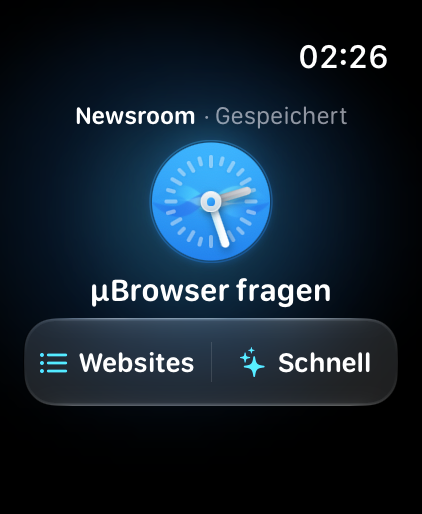
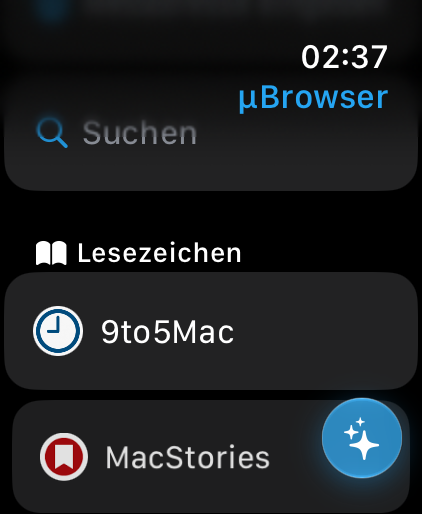
Apple Watch422 × 514 px

App Store screenshots — German

Select any screenshot to download the original PNG.

iPhone1320 × 2868 px

The German Ask artwork currently shows an English answer, as labeled in the image.

Apple Watch422 × 514 px

Raw iPhone screenshots

Unedited captures of the µBrowser companion app, without device frames or marketing text. Select an image to download the full-resolution PNG.

App screenshots

Select any screenshot to download the original PNG.

Demo video

Screen recording of Ask µBrowser and Apple Newsroom on Apple Watch. No audio.

Download video (MP4, 2.6 MB)