The Web as Part of Your Space
When Apple introduced visionOS, Safari made it possible to browse the web in spatial computing.
But browsing in windows isn’t always ideal—sometimes you want information to simply stay there, ambient and glanceable.
With visionOS 26, widgets open a whole new way of working with the web.
This is where ∞Browser 2.0 comes in.
Introducing ∞Browser 2.0
∞Browser 2.0 transforms any pinned website into a widget.
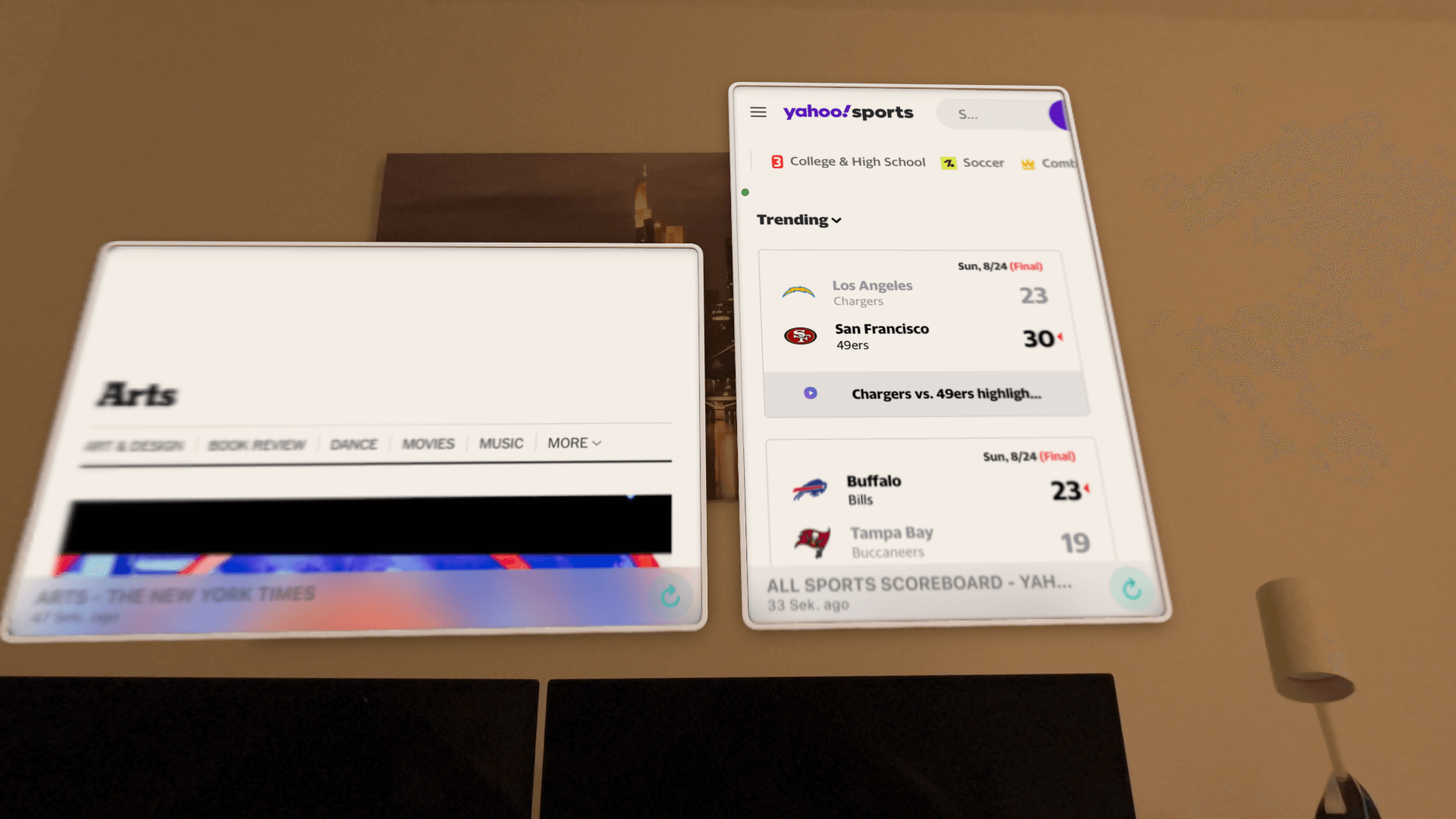
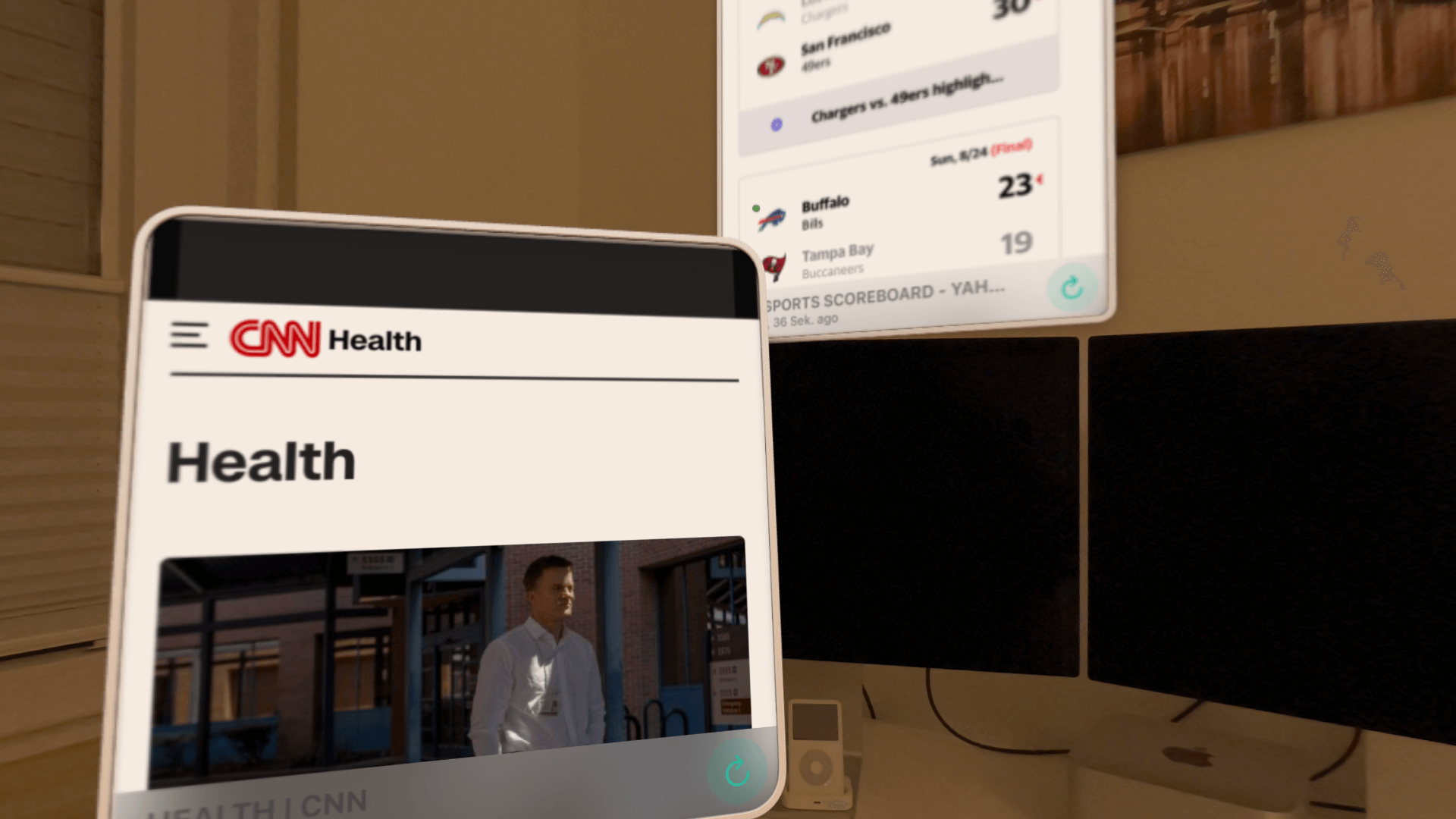
That means you can place live, interactive websites on a wall or desk, where they’ll always be ready for you.
Thanks to persistent placement in visionOS 26, your widgets stay exactly where you put them—even across sessions.
So your news feed, live scores, or dashboard is always right where you want it.
In addition, ∞Browser 2.0 refines the browsing experience with new hover effects and UI improvements, making interaction in spatial computing smoother and more intuitive.
Features
- Pin any website as a live widget in your space
- Place widgets on walls or desks for ambient information
- Persistent placement across sessions in visionOS 26
- Improved hover effects and refined UI for easier interaction
Screenshots of the widgets (taken on device)
Links and Material
You can get ∞Browser on the App Store here.